.png)
.png)
.png)
The Screenshot Test: How to Know If Your AI Twin Actually Looks Real
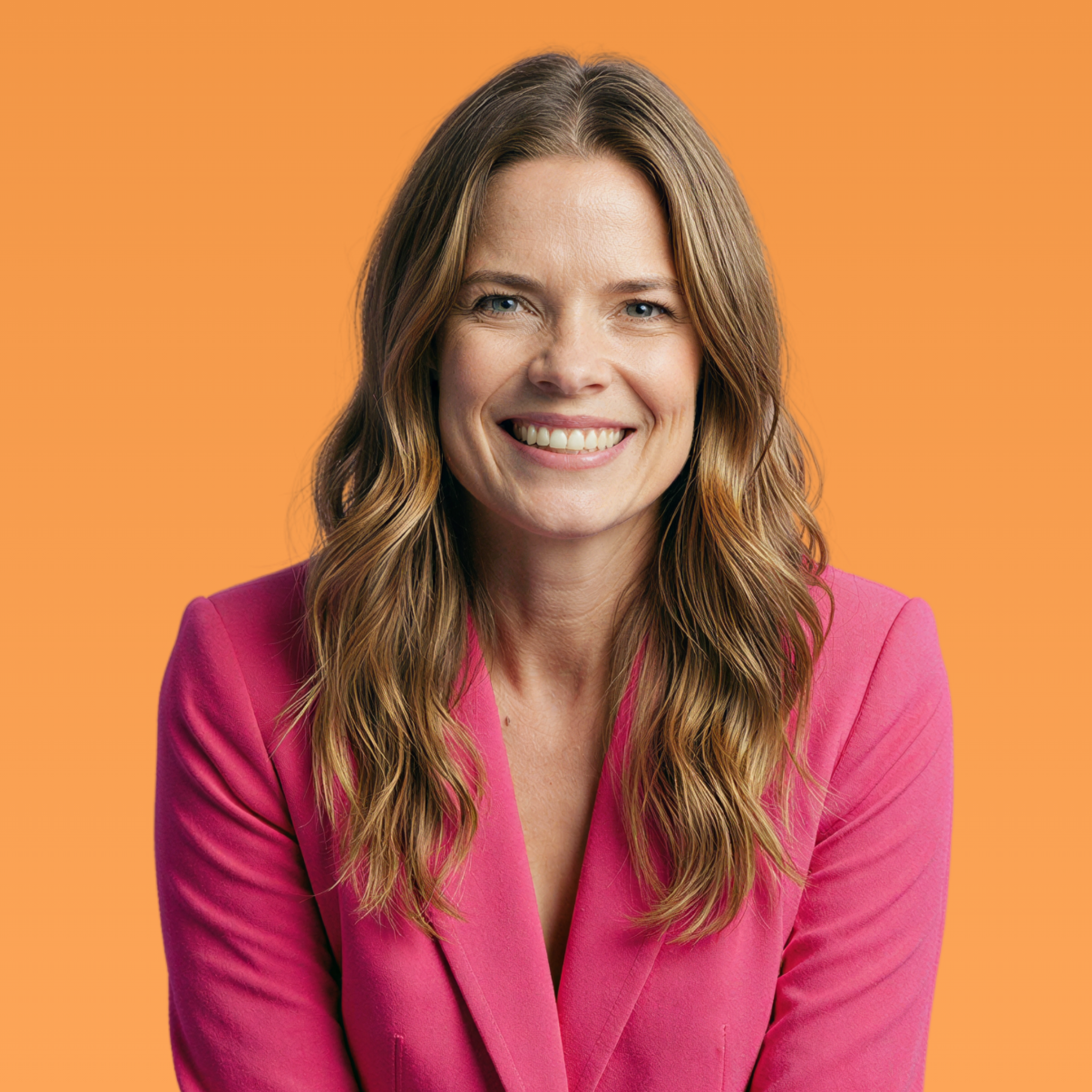

Screenshot your AI twin. Now zoom to 400%.
Still look like skin? You're good.
Look like smooth plastic with zero pores? That's why your content isn't converting.
Here's the thing — your audience can't always explain why something feels off. They just know it does. And "off" doesn't build trust. "Off" gets scrolled past.
I call this the Screenshot Test, and it's the fastest way to know if your AI twin is actually realistic or just… AI-looking.
What You're Looking For
Real skin has texture. Pores you can see. Fine lines around the eyes. Subtle imperfections that prove this is a human who's lived a life.
Most AI tools strip all of that out. They default to perfection — poreless, airbrushed, glowy in a way that screams "this isn't real."
When you zoom in on a typical AI twin, you see:
Smooth, plastic-looking skin
No visible pores
Unnaturally even lighting
That weird "too perfect" quality
When you zoom in on an ultra-realistic AI twin, you see:
Visible skin texture
Natural fine lines
Subtle shadows and imperfections
Something that actually looks like a photograph of a person
The difference? One builds trust. One breaks it.
Why This Matters for Your Content
I spent months creating AI content I was too embarrassed to post. It looked like everyone else's — which meant it looked fake.
Then I figured out what was missing (spoiler: skin texture) and everything changed. My content started converting. People stopped scrolling. In two months, I made $7K after years of barely making sales.
The Screenshot Test became my benchmark for every piece of AI content I create. If it doesn't pass, it doesn't get posted.
The Quick Fix
You don't need fancy tools or complicated workflows. You need to intentionally add back what AI removes: pores, fine lines, natural lighting, human imperfections.
That's the difference between AI content that looks like AI and AI content that looks like you.
Ready to create AI twins that actually pass the test?
This is exactly what I teach inside The RealTwin Method — the step-by-step process for creating ultra-realistic AI content that builds trust instead of breaking it.


Comments